A prospect calls at 11:17 a.m. Your office line rings while the team is tied up on jobs, in client meetings, or heads-down on work that cannot be interrupted. By 11:18, that caller has either hit voicemail or moved on to the next company on the list.
That is the operating problem answering services solve. They protect revenue during the hours when your in-house staff is already doing the work you hired them to do.
The practical question is not whether a live answer sounds better than voicemail. It does. The key question is whether paying for a virtual receptionist gives you better coverage than adding another employee, especially if your call volume spikes at uneven times or your team works across locations. In many cases, it does, because you are buying coverage, scheduling flexibility, and process discipline, not just a person on a phone.
That matters even more in modern operating models. A company running a hybrid front desk, remote admin support, or a seat leasing BPO setup for distributed operations can route calls, qualify leads, book appointments, and pass clean notes into the right system without carrying the fixed overhead of another full-time hire. The best services fit into that model well because they can cover overflow, after-hours demand, lunch breaks, and seasonal surges without forcing a complete staffing change.
Pricing is where a lot of buyers make the wrong call.
A per-minute service can work well if your calls are short, varied, and need a receptionist to screen, transfer, and log messages with some nuance. A per-call model can be easier to forecast if your calls follow a tight script and stay brief. But either model gets expensive fast when the provider is handling work your team should automate, such as repeat FAQs, basic routing, or appointment confirmations. Feature set matters just as much as the rate card. Calendar access, CRM integrations, bilingual support, intake forms, call recordings, and clear escalation rules usually have a bigger effect on day-to-day performance than a small difference in headline price.
This guide looks at providers through that lens. Not just who answers the phone, but which service fits your call patterns, your software stack, and the way you plan to scale professionalism without adding unnecessary overhead.
1. Ruby
Ruby has stayed popular for a reason. It feels like a front desk product built for firms that care how the call sounds, not just whether someone answered it. That usually makes it a fit for legal, healthcare-adjacent, consulting, and home service teams that need polish more than bargain-basement pricing.
The first thing I like about Ruby is that the pricing model is easy to understand. It's minutes-based, the plans are published, and the core experience is consistent across tiers. You don't have to fight through a vague enterprise sales process just to figure out whether the service is in range.
Where Ruby works best
Ruby is strongest when your calls are not all the same length. If you have a mix of quick call screening, appointment scheduling, intake, and occasional longer conversations, Ruby can deliver a very credible receptionist experience. It also helps that the platform supports live chat, bilingual Spanish support, portal access, and a wide integration footprint.
For businesses building a distributed support layer, that matters. A receptionist service becomes more useful when it can sit beside your CRM, calendar, ticketing, and messaging stack instead of creating another inbox to babysit. For teams building a flexible operating base through Seat Leasing BPO, Ruby fits the model when you want a polished customer-facing function without staffing a full in-house reception bench.
Practical rule: Ruby makes the most sense when caller experience is part of your brand promise. If your calls are mostly fast dispatch or simple overflow, a lower-cost model may be enough.
The trade-off with minutes billing
Minutes-based plans look clean until your call pattern gets spiky. That's the downside. A short burst of longer intake calls can make forecasting harder than owners expect, especially if several callers need scheduling help, payment handling, or detailed instructions in the same week.
That doesn't make Ruby a bad buy. It means you need to know your call shape, not just your call count.
- Best fit: Professional services and SMBs that need high-touch answering, intake, and scheduling.
- Watch for: Variable call lengths that can push you into overages faster than expected.
- Operational upside: Strong app and portal access make it easier to support hybrid teams and offsite managers.
Ruby also benefits from the broader trend toward receptionist platforms becoming part of cloud customer operations. As noted earlier, this market is moving away from basic voicemail backup and toward integrated front-office support. Ruby is one of the vendors that already acts that way.
You can review the platform directly at Ruby.
2. Smith.ai
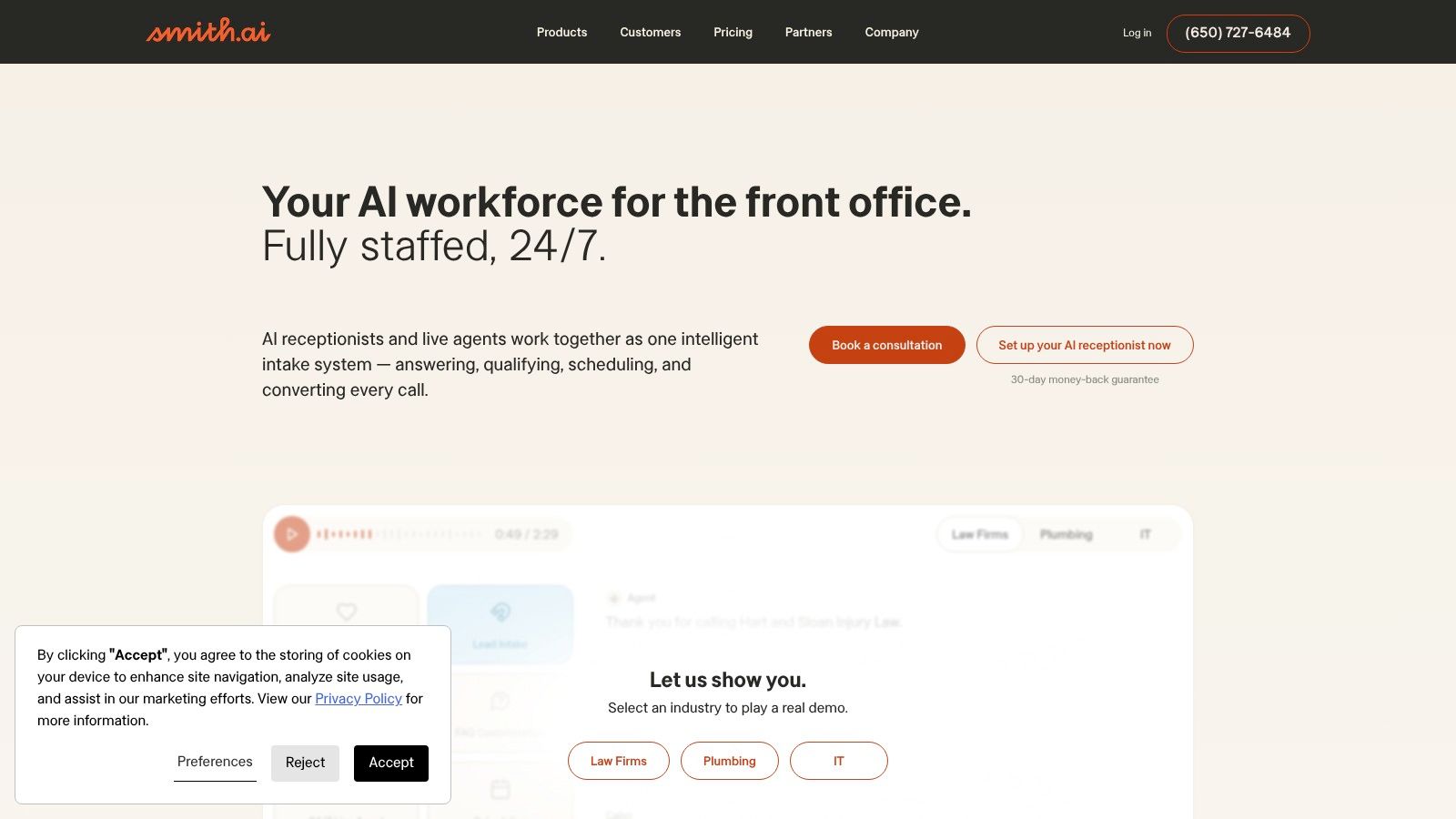
A common operations problem looks like this. The first few inbound calls of the day need real judgment, but half the rest are appointment checks, spam, or basic questions your team has already answered a hundred times. Smith.ai is built for that mix.
Its model combines live receptionists with an AI receptionist, which makes it more useful than a standard answering service for businesses that want to control labor cost without letting the front desk feel automated. The practical value is triage. Human agents can stay focused on qualified leads, active clients, and escalations, while lower-value calls get filtered earlier.
Why per-call pricing changes the math
Smith.ai's human answering service uses per-call billing instead of per-minute billing. That changes how you budget it. If your call lengths swing from 20 seconds to 8 minutes, per-call pricing is often easier to forecast because volume matters more than duration.
There is a trade-off. Per-call pricing can get expensive if your phone lines attract a lot of wrong numbers, hang-ups, or very short interactions that still count as billable contacts. In those cases, a minutes-based provider may cost less. Smith.ai's AI layer helps offset that risk by catching some of the noise before it reaches a live receptionist, but the setup only works if your routing rules and call scripts are tight.
I usually recommend Smith.ai to teams that know their call categories, not just their total call count.
Better suited to modular operations
Smith.ai fits well in a modern operating model where the front office is split across remote staff, outsourced support, and internal sales or service teams. That is especially relevant in seat leasing and BPO environments, where coverage has to stay professional without hiring a full in-house receptionist bench. If you are already mapping seat leasing and support inclusions, Smith.ai makes sense as the layer that qualifies, routes, and documents inbound demand before it hits your core team.
It also integrates more naturally into workflow-driven environments than providers that mainly function as message-taking services. For businesses that depend on CRM updates, intake accuracy, appointment routing, or lead qualification, that difference matters. The service is less about answering every call the same way and more about building a front-end system that matches how the rest of the operation runs.
- Best fit: Law firms, home services companies, MSPs, and sales-driven teams with mixed call intent.
- Works well when: You want AI to screen routine traffic and humans to handle qualified conversations.
- Potential drawback: Costs can climb if you add custom workflows, outbound follow-up, or extra integrations without reviewing utilization.
You can explore the service at Smith.ai.
3. AnswerConnect
A missed after-hours call is annoying. A billing model you cannot predict is worse.
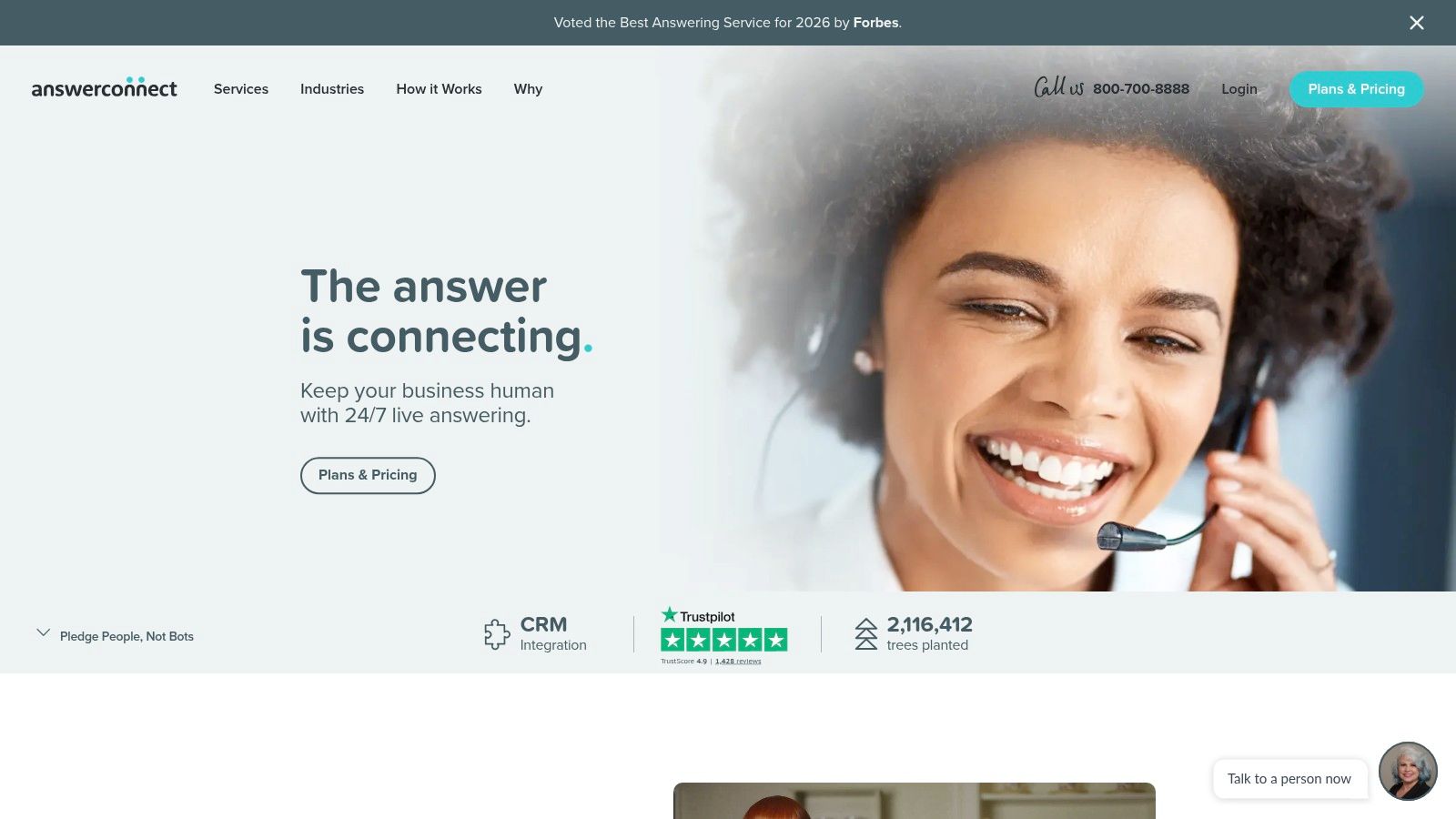
AnswerConnect stands out because it is easier to put into a real operating schedule than many services aimed at small businesses. The core offer is familiar. 24/7 live answering, message taking, call routing, and CRM integrations. What makes it more usable day to day is the admin side. The mobile and desktop notifications are practical, the setup is approachable, and an owner or ops lead can usually manage it without turning the rollout into a long procurement exercise.
The pricing model deserves a closer look. AnswerConnect bills by the minute, so costs rise with call length, hold time, and how calls are rounded. That creates the same planning issue you get with other minute-based providers. A cheap base plan can become expensive if your team sends too many calls that should have been filtered, answered internally, or pushed to voicemail.
Its short-call policy helps. AnswerConnect excludes the first 30 interactions under 30 seconds from billing each cycle. That is a useful concession for wrong numbers, hang-ups, and quick transfer attempts that never become real conversations. If your call flow includes a lot of short-duration noise, that feature can make minute-based billing easier to live with.
I usually place AnswerConnect in the category for operators who review usage reports.
It works best when someone on the client side is paying attention to scripts, transfer patterns, and which call types should reach a live receptionist at all. In that setup, the service can cover overflow, after-hours traffic, and seasonal spikes without forcing you into a full outsourced front desk model. If nobody is monitoring usage, per-minute plans tend to drift upward subtly.
This also makes AnswerConnect a practical fit for distributed teams. In a seat leasing or BPO setup, reception coverage often needs to flex by client, shift, or campaign. AnswerConnect can sit in that stack as the shared front-end layer while internal staff handle only the calls that need direct intervention. If you are mapping front-office support and operational inclusions in a seat leasing setup, that is the right lens for evaluating this service. Decide which interactions deserve a billed live touch, then route the rest accordingly.
- Best fit: Small businesses and distributed teams that want straightforward administration and flexible overflow coverage.
- Strength: The under-30-second billing exclusion reduces waste on brief, low-value calls.
- Weak spot: Minute-based pricing still rewards close monitoring, especially if calls are rounded or frequently transferred.
You can see current options at AnswerConnect.
4. PATLive
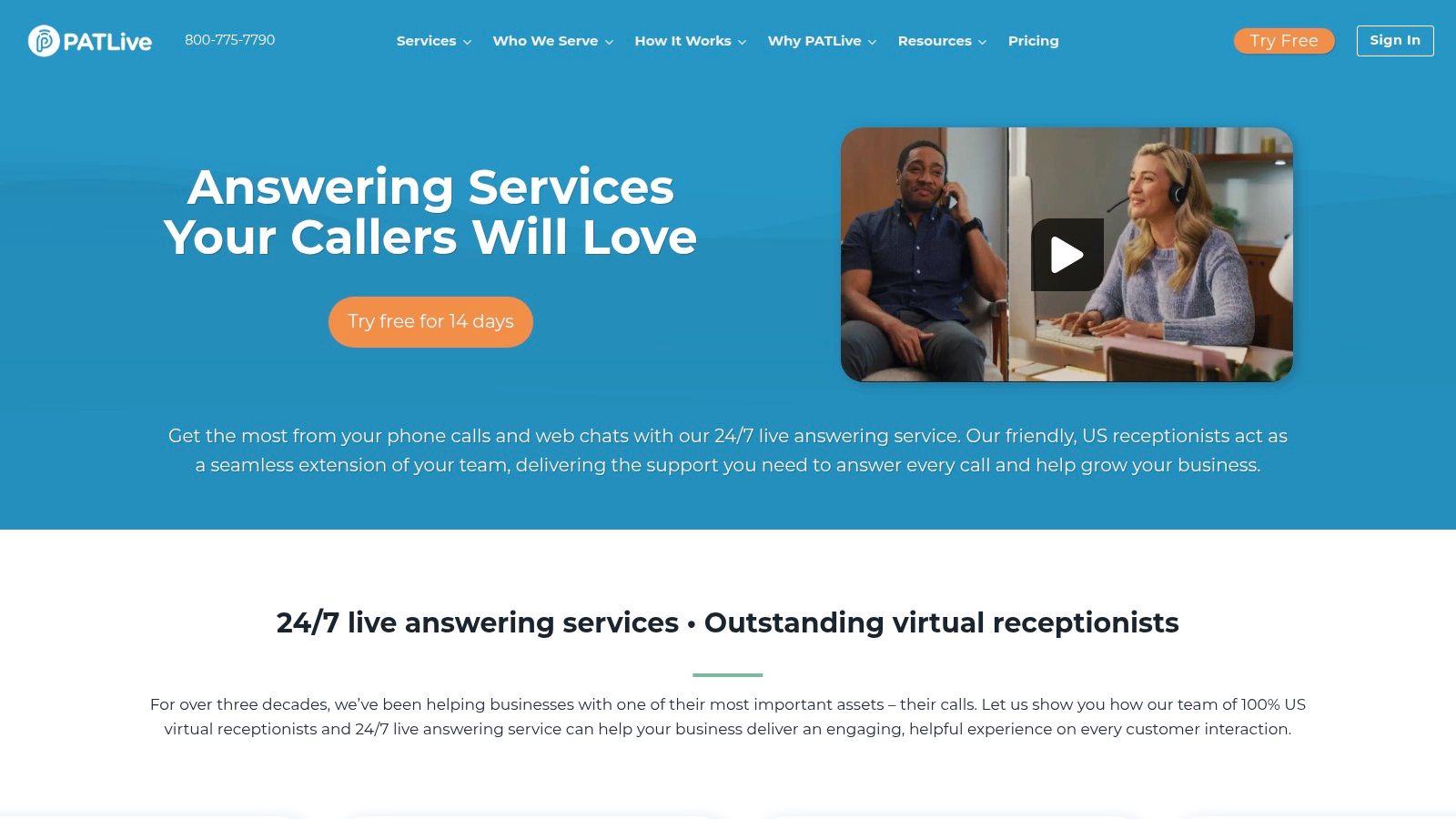
A common PATLive use case is the business that needs phones covered by next week, not after a month of workflow design. A law office with one receptionist. A home services company missing calls after 5 p.m. A distributed team using shared admin support across several clients. In those situations, PATLive stands out because buyers can understand the pricing quickly and test the service before committing.
That matters more than feature depth for some operations. If you are comparing per-minute services against flatter, easier-to-forecast plans, PATLive is one of the simpler options to model on a spreadsheet. You can estimate base cost, check overage rates, and decide whether your call flow is simple enough to stay inside the package. For operators managing a seat leasing or BPO environment, that visibility helps with client allocation and margin control. It is easier to assign reception costs across accounts when the billing logic is plain.
What makes PATLive easy to trial
The free trial is the main reason many teams short-list PATLive. Demos rarely show whether agents can handle your real caller mix, your transfer rules, or the tone your brand needs. A short live test does.
I look for three things during that trial. First, how often calls need a transfer versus being resolved at the receptionist level. Second, whether the script sounds natural once callers start asking off-script questions. Third, whether the reporting is good enough to spot patterns before overages become a billing problem.
PATLive also publishes plan details and overage pricing, which removes some of the usual friction from procurement. It may not be the lowest-cost service in this list. It is often one of the faster ones to evaluate.
If call volume is still unpredictable, a live trial gives better operational data than another sales presentation.
Where costs can spread
PATLive is easiest to justify when your needs are fairly standard. Basic live answering, message taking, appointment support, and call transfers fit the model well. Once the workflow gets more segmented, the economics change.
Bilingual support costs extra. Multiple scripts can cost extra. Live chat and outbound calling are separate services. That is the trade-off. The entry point is approachable, but the total bill can move up if you are supporting several brands, several departments, or client-specific scripting inside one shared operation.
That makes PATLive a better fit for straightforward front-end coverage than for highly customized intake programs. In a flexible operating model, it works best as a stable shared receptionist layer while in-house or client-dedicated staff handle exceptions, sales-qualified calls, or sensitive workflows. If the goal is professional coverage without building a full front desk function, PATLive fits that job well.
- Best fit: SMBs and multi-client teams that need fast setup, reliable live answering, and pricing that is easy to forecast.
- Why buyers like it: The trial and published overage rates make it easier to test real call handling before rolling the service into daily operations.
- Watch for: Add-on services and extra scripting needs can narrow the pricing advantage over time.
You can review the offering at PATLive.
5. MAP Communications
A missed after-hours call in a medical office or law practice creates more than a service problem. It creates risk. MAP Communications stands out for teams that need call coverage to follow process, protect sensitive information, and hold up under internal review.
The service combines 24/7 U.S.-based answering, specific scripting, a client portal, month-to-month terms, and published minute plans. That mix works well for organizations that cannot treat an answering service like a generic overflow vendor. In a seat leasing or BPO setup, that matters even more. Shared teams need a provider that can support clear routing rules, documented scripts, and client-by-client separation without turning every change into a new contract discussion.
A practical fit for compliance-heavy operations
MAP is strongest when the call flow has to be consistent. HIPAA support, HITRUST, and PCI-DSS credentials help reduce friction during procurement and security review. That does not guarantee the warmest caller experience in the category, but it does make MAP easier to approve when compliance, audit trails, and script discipline are part of the buying decision.
That matters in environments where one answering layer may support several brands, offices, or client accounts. A flexible operation needs more than polite receptionists. It needs a service that can slot into a modern workflow, pass clean messages, follow escalation rules, and present a professional front end without forcing you to hire dedicated staff for every account.
The pricing trade-off is straightforward. MAP uses minute-based plans, so longer calls cost more. For regulated industries, that can become expensive faster than buyers expect because calls often involve verification steps, detailed intake, or sensitive conversations that cannot be rushed. A per-call plan can look cheaper on paper, but I usually prefer minute billing for this kind of work. It aligns better with careful handling. The key task is to control script length, define what agents should collect, and push anything complex to the right in-house or client-dedicated team before call times drift.
- Best fit: Healthcare, legal, and other compliance-sensitive organizations with structured call handling needs.
- Operational strength: Month-to-month flexibility, documented workflows, and credentials that help clear review faster.
- Budget caution: Minute plans reward discipline. Long intake scripts and escalations can push usage up quickly.
MAP is available at MAP Communications.
6. Go Answer
Go Answer is one of the more practical choices for startups and smaller teams that want human answering without paying for a luxury front-desk brand. The service covers the essentials well: 24/7 live answering, live call transfer, CRM integrations, spam filtering, custom scripting, and a dedicated account manager across tiers.
That account management piece matters more than people think. Small teams don't need endless account reviews. They need one person who can fix a routing issue, update a script, and keep onboarding moving.
A good-value option when speed matters
Go Answer is the kind of provider I’d shortlist when the business has a straightforward need. Maybe calls are being missed after hours. Maybe a founder is taking too many inbound interruptions. Maybe a small sales team needs coverage while it closes existing deals instead of screening every incoming call.
The pricing structure is minutes-based, and the overage rates are published. That makes the service easier to compare than providers with custom-only quotes. The 30-day money-back guarantee also lowers the risk of a fast rollout.
The market context supports this kind of entry point. The global telephone answering services market is valued at approximately $1.5 billion in 2025 and is projected to grow at a 7% CAGR through 2033, according to Data Insights Market’s telephone answering services report. A lot of that demand comes from SMBs that need 24/7 support without building in-house coverage.
Where Go Answer has limits
Go Answer is best when your needs are practical, not highly specialized. If you need advanced compliance, highly segmented scripts, or a thoroughly blended AI and human architecture, another provider may fit better. If you only need reliable live answering with decent transparency, this one is easier to justify.
- Best fit: Startups and SMBs that want predictable setup and practical account support.
- Good sign: Published minute plans keep comparison shopping honest.
- Limit: Higher volumes or more complex workflows may push you into upper tiers quickly.
Clutch rankings in the verified data also point to Go Answer as a recognized player in the broader BPO ecosystem, which lines up with how it performs in this market. You can review it at Go Answer.
7. Abby Connect
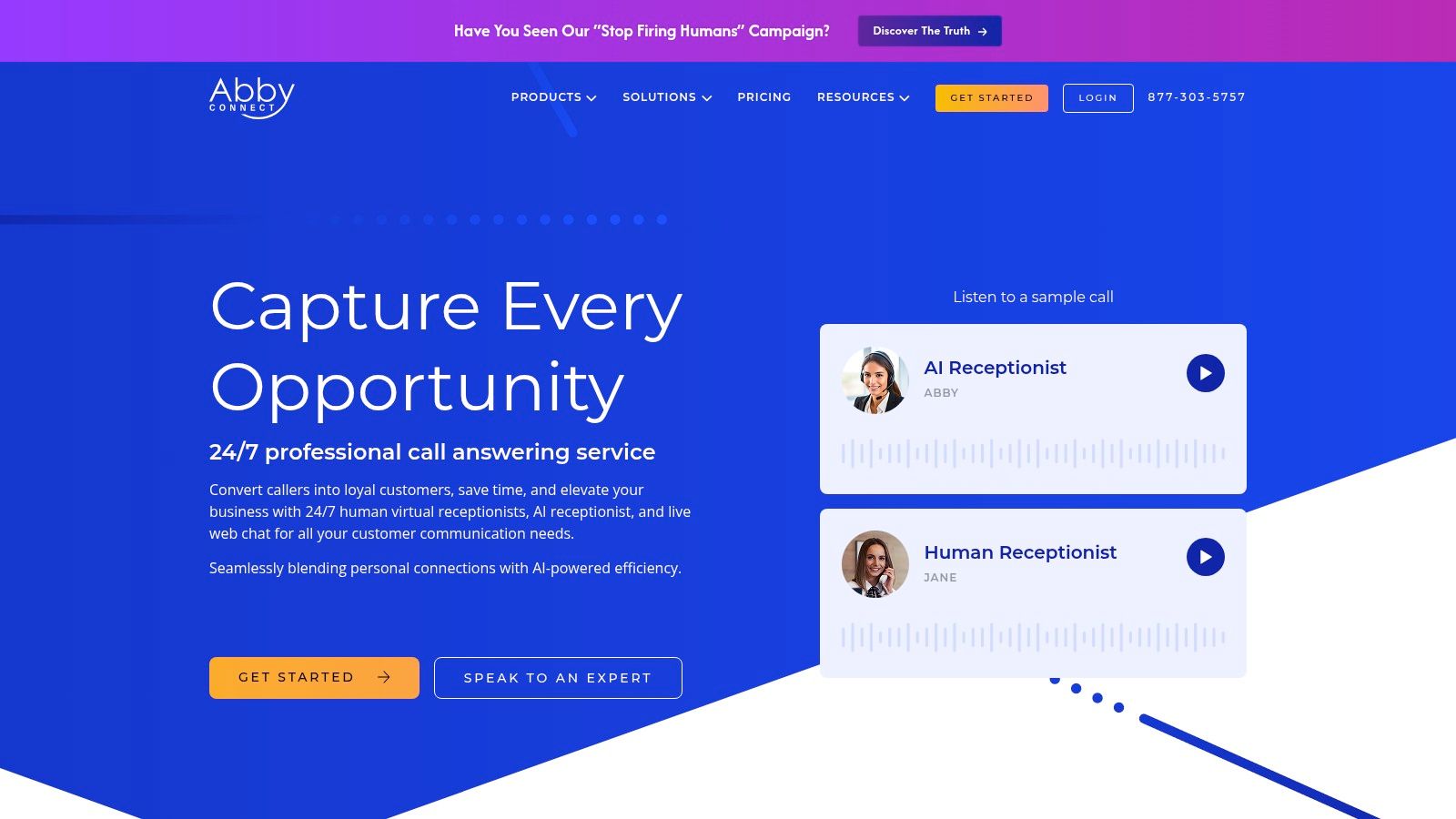
Abby Connect is useful when you want choice more than simplicity. It offers both human receptionist plans and AI receptionist plans, with published pricing for both. That makes it easier to design around budget, call volume, and workflow complexity instead of forcing every call through the same channel.
For mixed tenant environments, medical-adjacent offices, or professional firms with uneven demand, that flexibility is a real strength. You can keep a more traditional human receptionist layer where callers expect warmth and use AI where speed and triage matter more.
Human and AI options in one stack
Abby's practical appeal is that it doesn't force you to pick a philosophy. Human-only answering can become costly. AI-only answering can feel thin when the calls are nuanced. A blended structure usually works better, especially for organizations that need intake, scheduling, and bilingual support but don't want every call handled at the same service level.
There's a broader reason this model matters. AI adoption is widespread in contact centers, but operations teams still struggle to make it useful day to day. According to GetNextPhone’s AI customer service statistics roundup, 88% of contact centers have deployed AI in at least one function, but only 27% use it for knowledge management and 30% for insights generation. In other words, buying AI isn't the hard part. Fitting it into real workflows is.
Buyers usually overestimate what AI should do on day one. Start with triage, routing, and simple scheduling. Keep complex intake with trained people until the scripts and escalation logic prove themselves.
Watch the minimums
The catch with Abby Connect is that human plans start at 100 minutes. If your business has very light call volume, you may pay for capacity you won't use. Higher tiers are also where the more capable scheduling options open up, so the attractive entry-level transparency can still lead to a more expensive final setup.
Still, for businesses comparing answering services companies that offer both AI and live reception under one roof, Abby is one of the cleaner options.
- Best fit: Small businesses and professional offices that want human and AI paths available.
- Strong point: HIPAA availability and Spanish support make it versatile.
- Constraint: Very low-volume buyers may end up overbuying on human plans.
You can explore current plans at Abby Connect.
Top 7 Answering Service Providers Comparison
| Provider | Implementation Complexity 🔄 | Resource Requirements ⚡ | Expected Outcomes ⭐ | Ideal Use Cases 📊 | Key Advantages 💡 |
|---|---|---|---|---|---|
| Ruby | Low–Moderate, plug-and-play with optional custom scripts | Moderate, minutes-based plans, US receptionists, integration setup | High-quality, consistent 24/7 bilingual answering and chat | Small businesses & professional services needing high-touch coverage (HIPAA optional) | Transparent minutes pricing, US-based staff, wide integrations, AI enhancements |
| Smith.ai | Moderate, hybrid AI + human routing and escalation setup | Flexible, per-call human or AI plans; CRM integration work may be needed | Cost-flexible routing with strong lead qualification and analytics | Law, home services, IT/MSP and CRM-heavy firms needing triage/escalation | Per-call billing avoids minute uncertainty; AI receptionist with live escalation |
| AnswerConnect | Low, straightforward tiered plans and app setup | Low–Moderate, minute-tier billing, mobile/desktop notifications | Predictable coverage with app alerts and billing protections | SMBs wanting clear tiers, app notifications and optional live chat | Clear minute tiers, excludes first 30 sub-30s interactions, live chat on tiers |
| PATLive | Low, all-inclusive setup with easy trial | Moderate, most workflows included; some features billed as add-ons | Broad out-of-the-box feature coverage for after-hours and appointments | SMBs needing after-hours support and quick trialability | All-inclusive core workflows, 14-day free trial, US-based 24/7 team |
| MAP Communications | Moderate, compliance-focused onboarding and custom scripting | Higher, compliance certifications (HIPAA/HITRUST/PCI) and tailored setup | Strong compliance posture and fully customized workflows | Healthcare, legal and other regulated industries | HIPAA/HITRUST/PCI-DSS certified, custom scripts, month-to-month plans |
| Go Answer | Low, quick setup with dedicated account manager | Low, competitive published minute plans and spam filtering | Predictable, startup-friendly reception with quick onboarding | Startups and small teams seeking predictable, low-cost options | Competitive pricing, dedicated account manager, 30-day money-back guarantee |
| Abby Connect | Moderate, options for human or AI plans and scheduling integrations | Moderate, published human/AI pricing; human plans start at 100 minutes | Flexible AI/human mix with HIPAA availability and scheduling support | Small businesses and medical/professional services needing HIPAA & scheduling | Transparent human vs AI plans, HIPAA availability, Calendly and Zapier support |
Scale Your Professionalism, Not Your Overhead
It is 4:47 p.m. A new lead calls while your office manager is helping a client, your salesperson is already on the line, and the owner is trying to finish payroll. That call either turns into booked revenue or another voicemail nobody returns until tomorrow. An answering service changes that outcome, but only if the service fits the way your operation runs.
Price matters, but the billing model matters more. Per-minute plans usually make sense for short, routine interactions such as message taking, basic screening, and after-hours overflow. Per-call pricing is often easier to control when you want a defined action on every call, especially if calls tend to run long because of scheduling questions, intake steps, or transfer attempts. I have seen teams choose the cheapest published rate, then get hit with avoidable overages because they never checked average call length, hold time, or how the provider bills partial minutes.
The practical question is simple. Are you buying coverage, or are you buying workflow execution?
That distinction drives the feature checklist. If the provider only takes a message, internal staff still have to sort urgency, qualify leads, book appointments, update the CRM, and clean up incomplete notes. If the provider can follow scheduling rules, tag lead quality, send structured messages, support bilingual callers, and push data into your systems, you remove real work from your team instead of just delaying it.
This matters even more in a flexible operating model. In a seat leasing or BPO environment, the front office does not need to sit inside one full-time role. Reception, appointment handling, overflow support, and back-office follow-up can be split across specialized resources. That setup keeps labor tighter, extends coverage hours, and gives small teams a more professional front line without adding another permanent in-house headcount. It also creates a cleaner path to hybrid service. Automation handles routing, basic intake, and repeat questions. Trained agents handle judgment calls, emotional conversations, and exceptions that do not belong in a script.
Speed to value is another filter buyers often skip. Providers rarely hand over a useful ROI model because every operation defines value differently. The better approach is to build your own scorecard before launch. Track missed calls, booked appointments, lead response times, after-hours capture, internal admin hours saved, and how often the service resolves the call without sending work back to your staff. That gives you a real operating view, not a sales-demo view.
If you are evaluating vendors from this list, test them with your actual call patterns. Ask how they bill a seven-minute intake versus a 45-second spam call. Ask what happens when a caller needs to reschedule under a specific rule set. Ask who updates the CRM, how urgent messages are flagged, and what bilingual coverage looks like at peak times. A polished demo is easy. A clean handoff into your day-to-day operation is harder, and that is the part that determines whether the service lowers overhead or just moves it around.
A good answering service should make your business look staffed, responsive, and organized, even when the core team stays lean. If you are planning beyond overflow coverage and into a broader outsourced support model, this Executive's Guide to Outsourcing Contact Center Operations is a useful next read.
If you're building a lean front office and don't want to carry the overhead of a traditional setup, Seat Leasing BPO is worth a close look. It gives startups, small businesses, and BPO operators a flexible base to combine answering services, remote teams, IT support, and rapid workspace deployment in one operating model, with up to 80% cost savings compared to traditional office arrangements.